
So there I was, all fired up for my very first real plasma table job. Someone trusted me to cut 4 sheets of 5’x10′ steel, each stacked with 84 plates (with slotted holes, naturally), adding up to a grand total of 320 plates. That’s 320 opportunities to screw something up — and I certainly gave it a shot!
We loaded the first sheet on the table, loaded the plate design into the computer, hit that glorious “Play” button, and watched the magic happen. Or so I thought.
A few hours later, all the plates were cut. Mission accomplished, right? Not so fast.
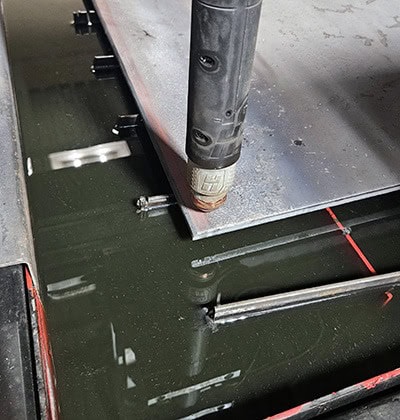
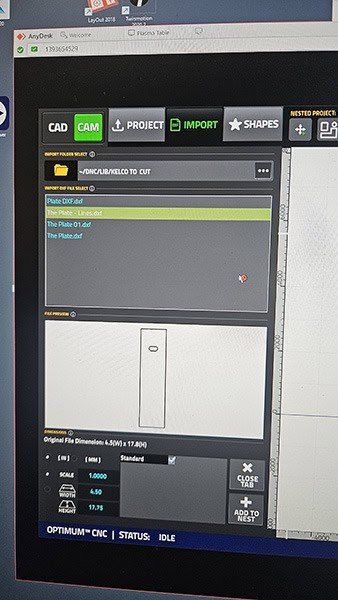
Lesson One: Always Check Your Settings Before You Hit Play
In my excitement, I had overlooked two tiny details:
✅ The plate thickness was set for ¾” instead of the 3/8” I was actually using.
✅ The torch was on Fine Cut instead of Fast Cut.
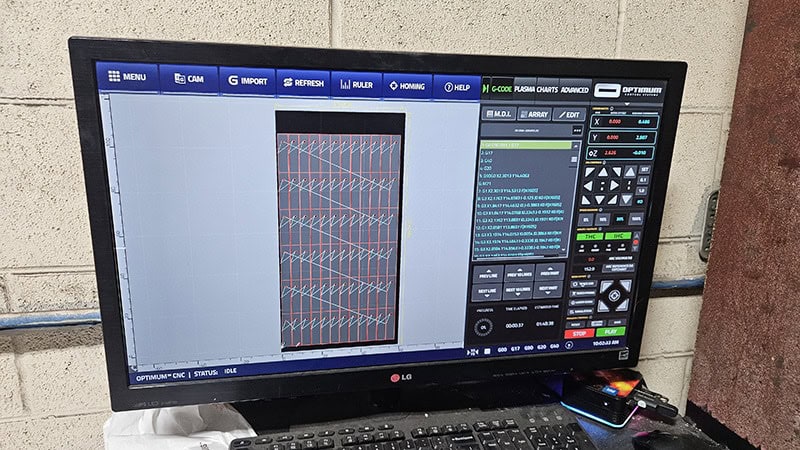
Oops.
The result? The machine chugged along for 4 hours, stopping multiple times, fighting through the wrong settings while I desperately tried to change things mid-run (pro tip: that doesn’t work — you have to stop and reset).
But hey, the first sheet got done. Hard-won victory.
Lesson Two: Square It Up or Suffer
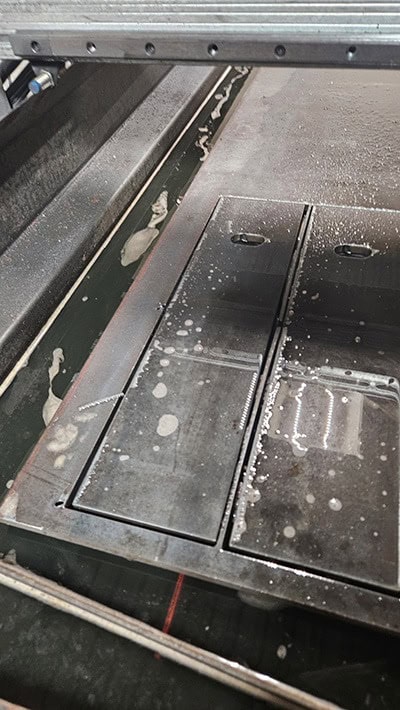
For the second sheet, I decided to do things properly. I made sure to square the sheet on the table using 2”x2” tubing, lined up everything perfectly, and corrected the settings to:
✅ 3/8” plate thickness
✅ Fast Cut mode
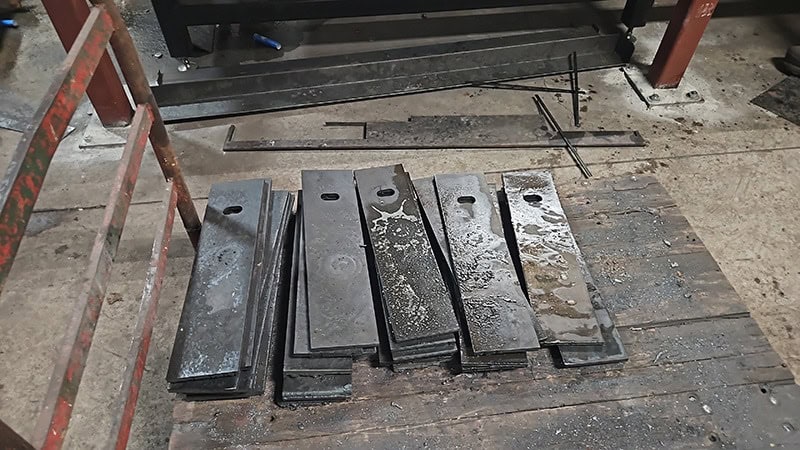
Boom — estimated cut time was down to 1 hour and 38 minutes, nearly half. Much better quality, too. We wrapped up for the day feeling smart.
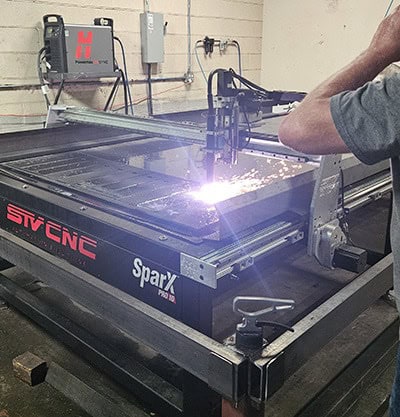
Lesson Three: The Space Between Matters
While I was trying to sleep, I couldn’t help but think: Could it be faster still?
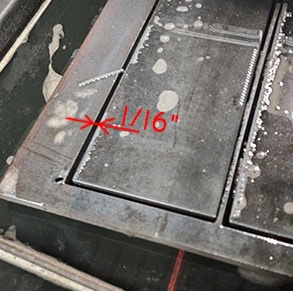
Then it hit me — the machine was wasting time cutting around plates, and leaving a ¼” gap between each piece. That meant it was tracing twice around every part.
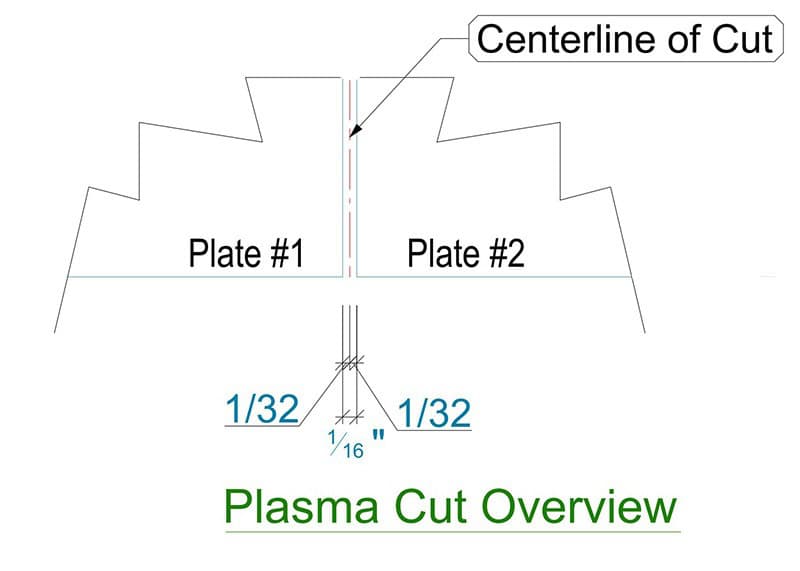
So I fired up AutoCAD, measured the plasma kerf (about 1/16”), and offset the plate outline outward by 1/32” (half of 1/16″ distance). Then I nested the plates right up against each other without that ¼” separation, exported the new layout as DXF, and sent it to the controller.
Result?
Cut time dropped to 38 minutes. That’s 3 hours and 20 minutes saved on each sheet, all thanks to a simple redesign.
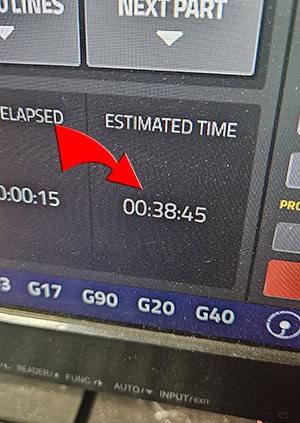
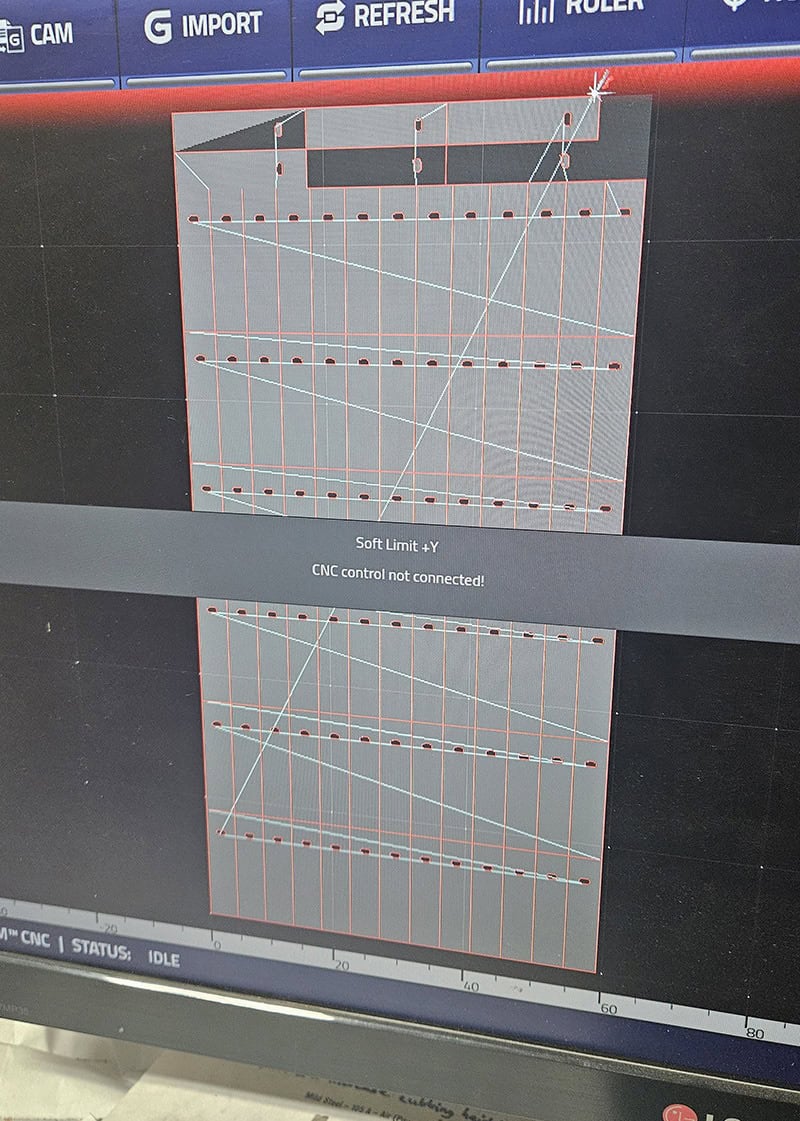
We hit Play — and this time, the plates came out perfect.
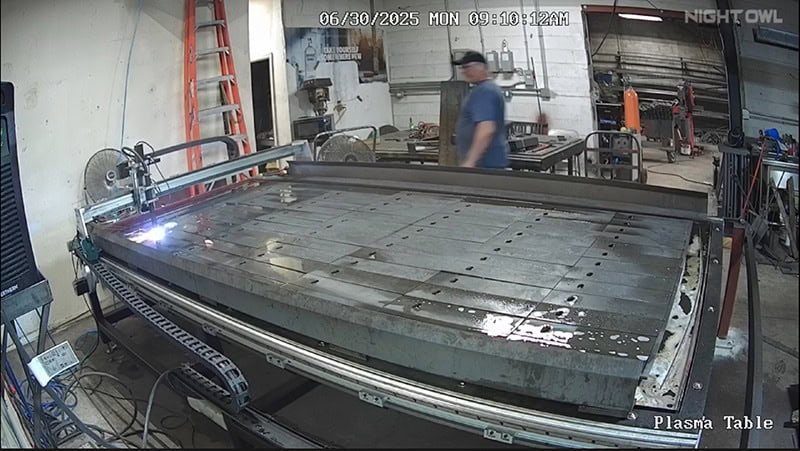
Moral of the story?
Your first plasma job is basically a rite of passage — you will mess up, but you will also learn faster than you ever imagined. And hey, I even made my first dollar on it. That’s a win in my book!