Revit Tips & Tricks
Revit Line Weights: Object Styles, View Overrides and Custom Line Styles
Change Revit line weights for the whole project in Object Styles, for one view with overrides, add custom line styles, and fix weights not showing.

Tutorial hub
Revit for structural work: grids, footings, columns, framing, families and materials.
Revit Tips & Tricks
Change Revit line weights for the whole project in Object Styles, for one view with overrides, add custom line styles, and fix weights not showing.
Revit Tips & Tricks
Create levels in Revit from an elevation view, rename them with their plan views, set elevations, add elbows, and fix grids and levels that don't show.
Revit Tips & Tricks
Create isolated spread footings in Revit: make a custom footing type, set its size, place it at grid intersections, and fix footings on the wrong level.
Revit Tips & Tricks
Place steel structural columns in Revit: load the W-shape column family, place columns on grid intersections, set base and top levels, copy them safely.
Revit Tips & Tricks
Free step-by-step Revit structural tutorial for beginners: build a small steel building's grid, levels, footings and columns, with videos and files.
Revit Tips & Tricks
Create a structural grid in Revit: start the Grid tool (GR), place lines with offsets, rename bubbles, fix spacing with dimensions and lock it in place.
Revit Tips & Tricks
Make CAD topography from drone photos: fly with overlap, build a 3D terrain in ReCap Photo, slice contours in 3ds Max and export them to DWG.
General Info
Make a custom material texture for Revit from a photo: prepare the image, create the material, set the appearance and scale, and apply it.
3D Software
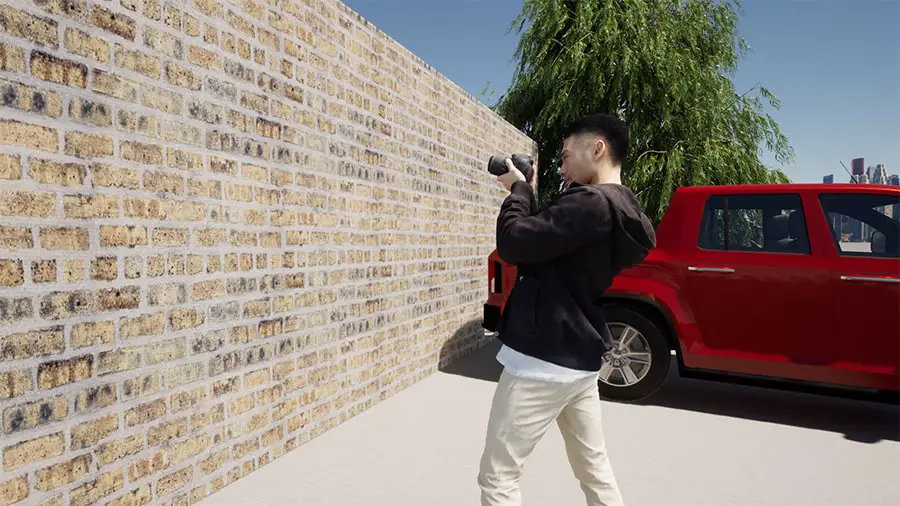
Add custom people to your renders for free: make a 3D person from a photo with Daz Studio Face Transfer, export it to your render program, or share it.