

Here are free, high-resolution textures you can download and use in your renders: a seamless yellow Chicago common brick, a smooth gray EIFS/stucco and a weathered commercial steel door. They’re free for personal and commercial projects. The only thing you can’t do is sell the texture files themselves.
To download one, click the thumbnail to open the full-size file, then right-click it and choose Save Image As. Below each texture you’ll find its real-world size so you can scale it correctly, and after the list there’s how to use them in Revit and other programs.
Some of the files are already seamless. If you want to make one of the others tile without visible joints, I show how in How to Make a Seamless Texture in Photoshop.
Do you have a good texture you’d like to share? Send it to yes@gomeasure4me.com and I’ll post it here for everyone to use. Please send only files you made yourself.
Exterior wall textures
Chicago common brick (yellow), seamless
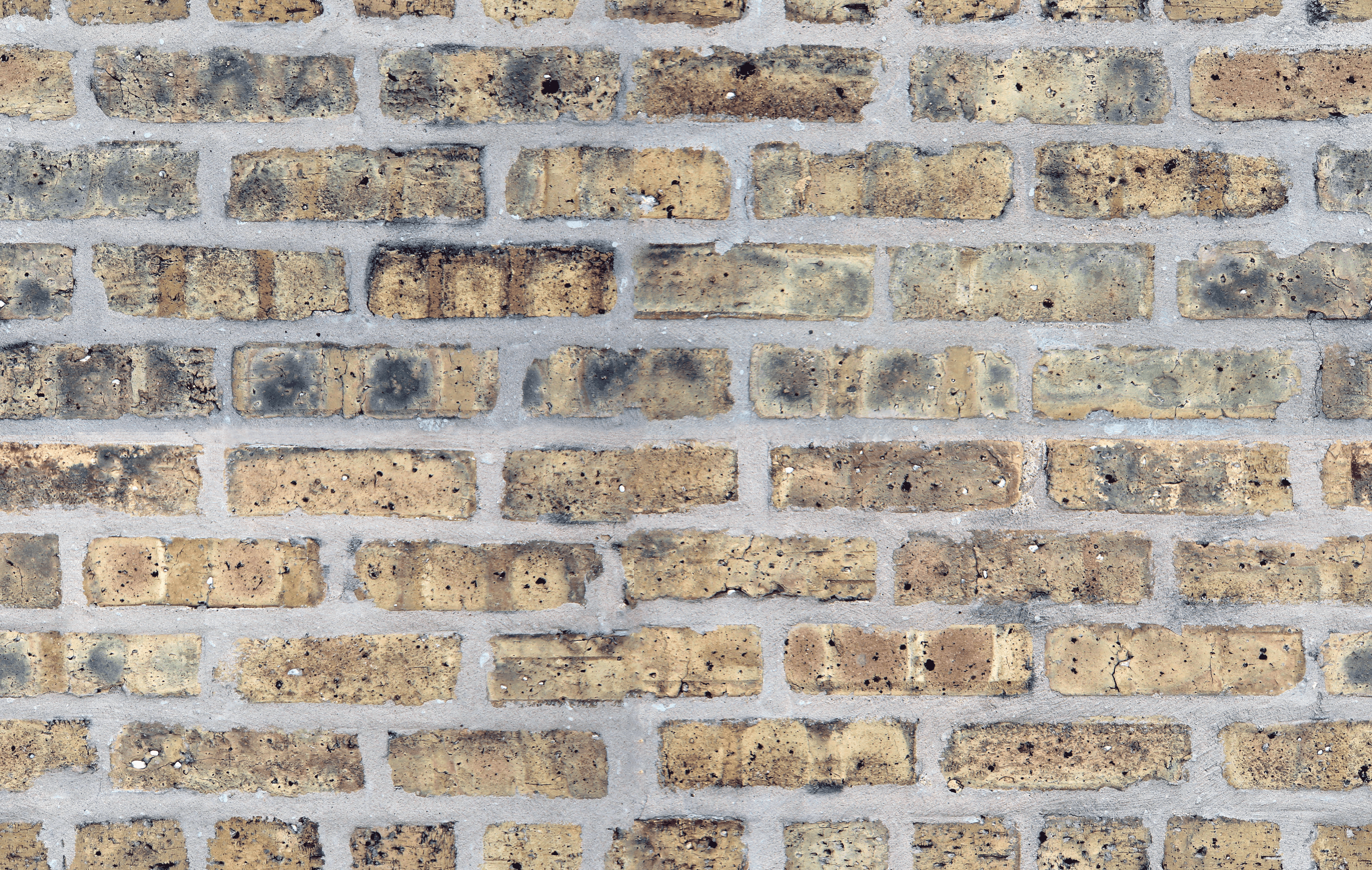
- Coverage: 5 bricks x 9 courses (43 3/8″ wide)
- Brick size: 8″ x 2 3/8″ x 2 1/4″
- File size: 5423 x 3440 pixels
The real-world dimensions are there so you can scale the texture correctly in your material settings. That way the brick coursing in your render matches a real wall.
EIFS / stucco smooth face, gray

- File size: 6000 x 4000 pixels, 72 DPI
Door textures
Weathered exterior commercial steel door, 3′-0″ x 7′-0″
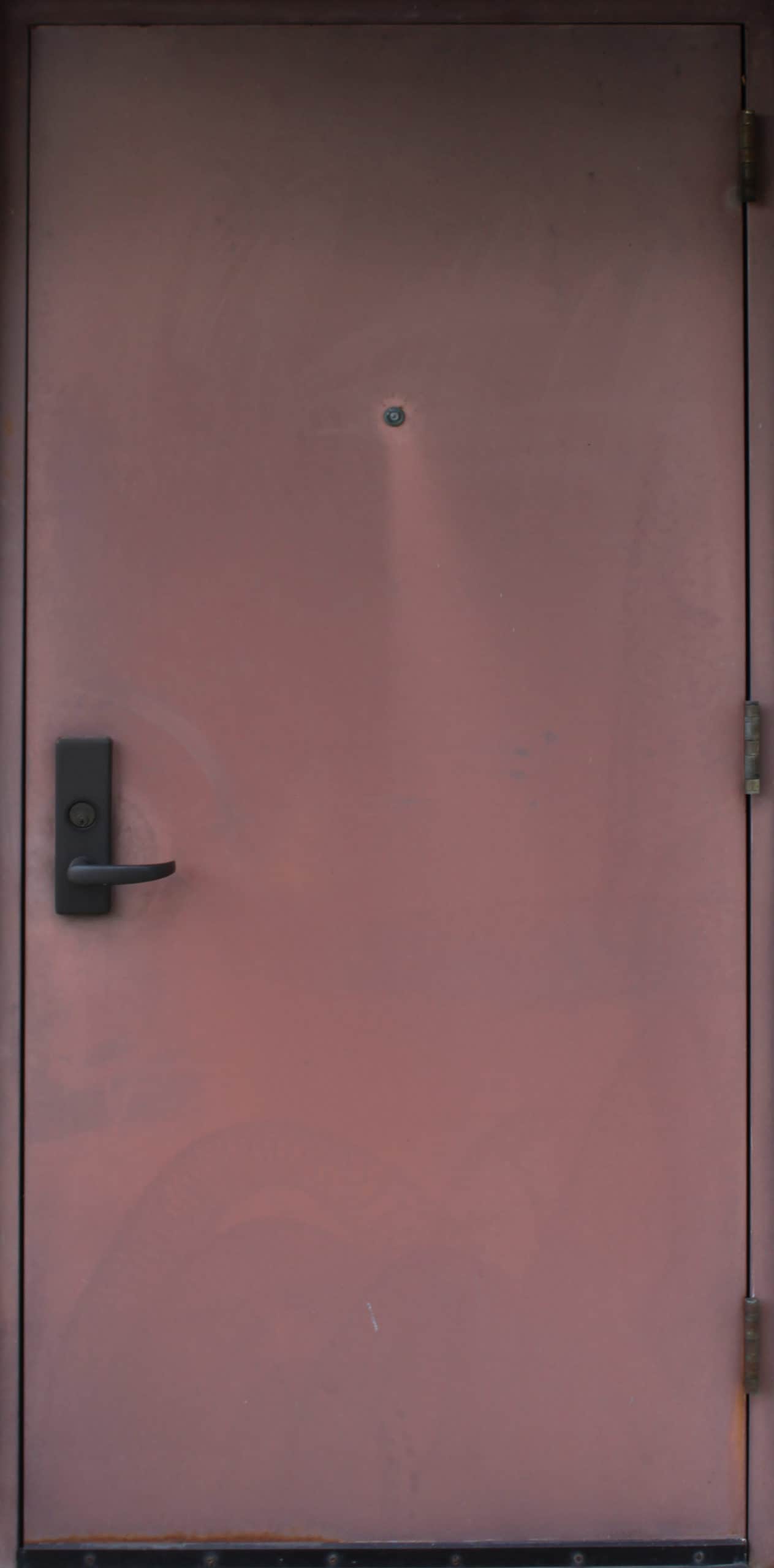
- File size: 1263 x 2560 pixels
How do I scale a brick texture so it looks right?
Set the texture size in your material to the real-world area the image covers. For the Chicago common brick, the image is 5 bricks wide and 9 courses high, and 43 3/8″ wide, so set the material’s texture width to 43 3/8″ and let the height follow the image proportions.
If you skip this, the program picks a default size and the bricks come out too big or too small. It’s one of the quickest ways to make a render look wrong, because everyone knows roughly how big a brick is.
Quick check after you apply it: count the courses in a known height. A typical wall should show a believable number of courses between floor and window sill.
What size is a Chicago common brick?
The bricks in this texture are 8″ x 2 3/8″ x 2 1/4″. The bricks vary in color and edges, which is a big part of the look. Keep that variation when you edit the texture instead of evening it all out.
How do I use these textures in Revit?
Create a new material, set the image as the appearance texture and type in the real-world size. I walk through it step by step in make a custom material texture for Revit.
What if a texture isn’t seamless?
The brick is already seamless. For the others, or for your own photos, follow how to make a seamless texture in Photoshop. Once a texture tiles, you can build normal, roughness and other maps from it. See PBR texture maps explained.
Can I use these textures commercially?
Yes. Use them in personal and commercial renders and projects. Just don’t sell or redistribute the texture files themselves as a texture pack.