Advance Steel Tips & Tricks
Material Lists and BOMs in Advance Steel: Make, Save and Export
Make a bill of materials in Advance Steel: assembly, shipping, beam and saw lists from the BOM Templates palette, saved as RDF and exported to Excel/PDF.

Tutorial hub
Advance Steel Tips & Tricks
Make a bill of materials in Advance Steel: assembly, shipping, beam and saw lists from the BOM Templates palette, saved as RDF and exported to Excel/PDF.
Advance Steel Tips & Tricks
Number an Advance Steel model before drawings: where the Numbering tool is, how parts are grouped, what each post number method does, and common mistakes.
Advance Steel Tips & Tricks
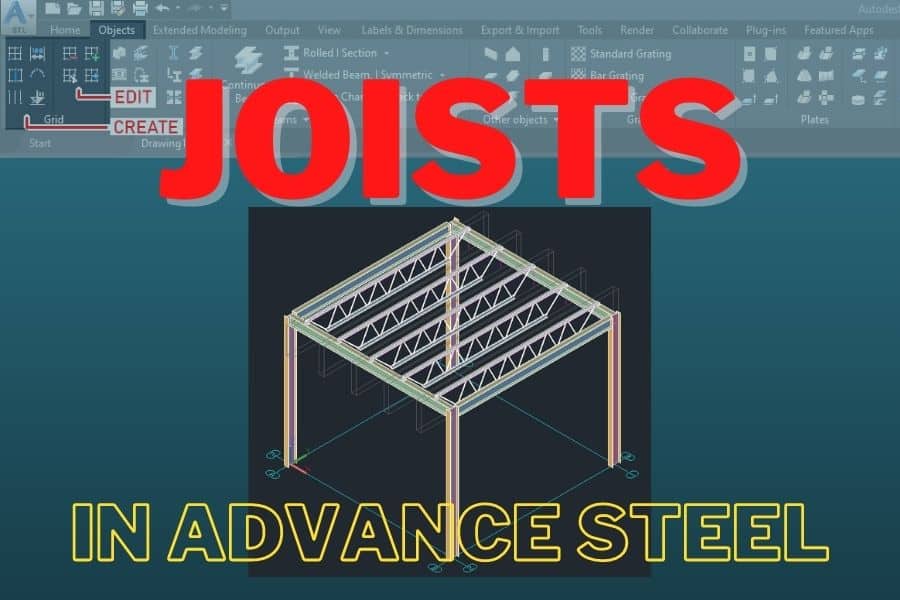
Place a joist in Advance Steel with three points, then set type (Pratt, Warren), panels, chord extensions, sections and seat plates. Every tab explained.
Advance Steel Tips & Tricks
Add vertical and horizontal bracing in Advance Steel: set the UCS, pick two corners, then choose crossed or single, sections, model role and offsets.
Advance Steel Tips & Tricks
Make a knee brace in Advance Steel with no knee brace tool: place a section, slope it, trim it with Cut at Object, then copy it to other frames.
Advance Steel Tips & Tricks
Three ways to extend a beam or column in Advance Steel: Trim/Extend, Cut at Object (with gap and weld), and grip stretch. Plus trimming and fixes.
Advance Steel Tips & Tricks
Split a beam in Advance Steel with or without a gap, merge two beams into one, and fix the common problems with split and merged members.
Advance Steel Tips & Tricks
Place standard, variable, bar and polygonal gratings in Advance Steel, make a grating from a polyline, and cut openings with the six contour tools.
Advance Steel Tips & Tricks
Make folded plates in Advance Steel: fold two plates with or without position adjustment, make conical and twisted plates, and check the unfolding.
Advance Steel Tips & Tricks
Add gusset plates in Advance Steel from the Connection Vault: the gusset joints in General Bracings, what each shape, size and bolt setting does.
Advance Steel Tips & Tricks
Make a miter cut between two members in Advance Steel with the Miter tool: pick the members, choose the cut type, set the gap and weld, fix problems.
Advance Steel Tips & Tricks
Add welds in the Advance Steel model with Weld Point or Line of Weld, edit welded connections, and put weld symbols on drawings from the Labels panel.