Advance Steel Tips & Tricks
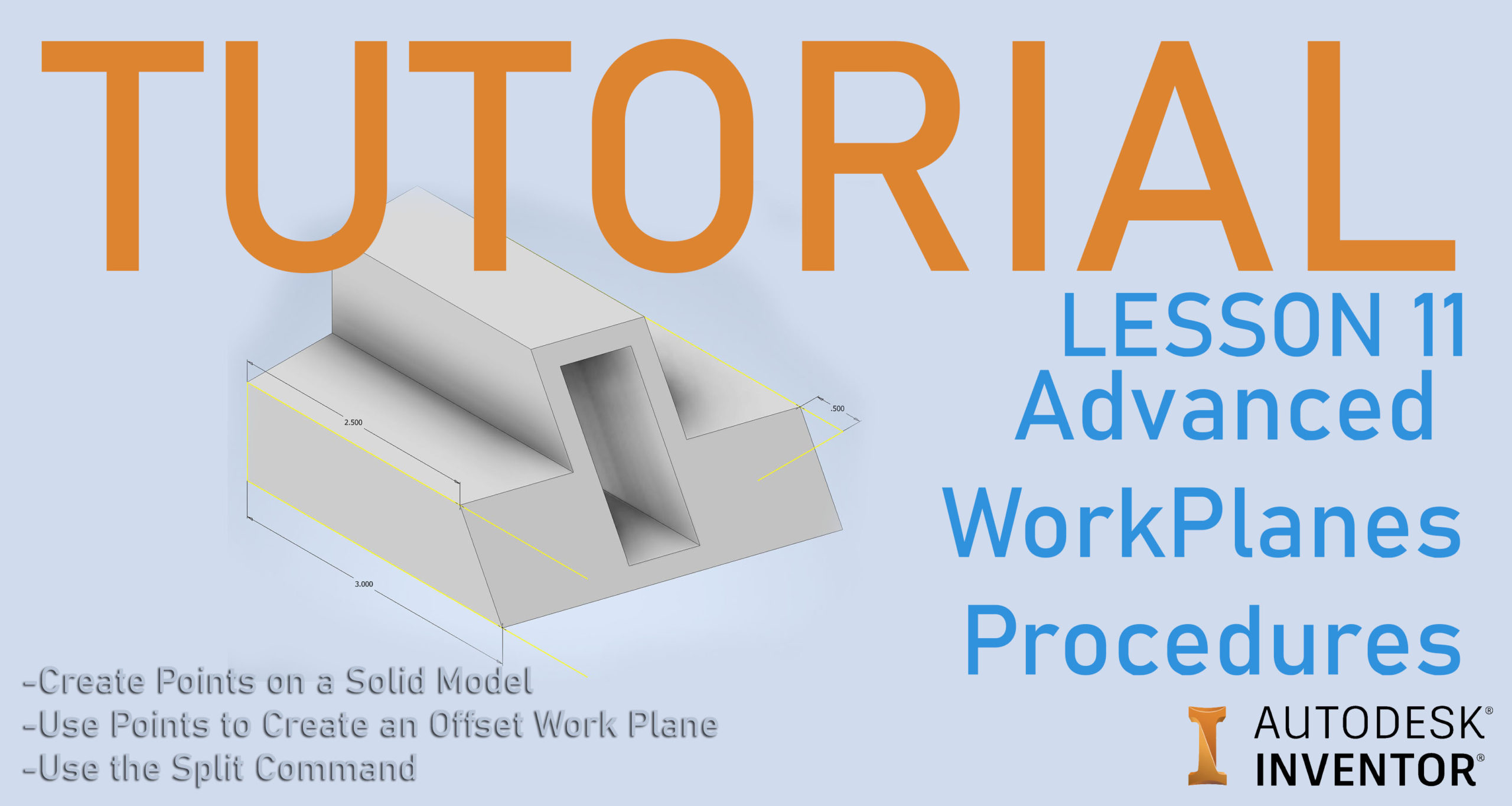
Inventor Lesson 11: Split a Part with a Work Plane
Split a part in Inventor with a work plane: make the plane from three points, use Trim Solid or Split Solid, and fix common problems. Lesson 11.

Advance Steel Tips & Tricks
Split a part in Inventor with a work plane: make the plane from three points, use Trim Solid or Split Solid, and fix common problems. Lesson 11.
Inventor Tips and Tricks
Add threads in Autodesk Inventor: model a hex nut with the Polygon tool, add a 1/2"-20 UNF thread, and learn why threads don't show in an STL.
Inventor Tips and Tricks
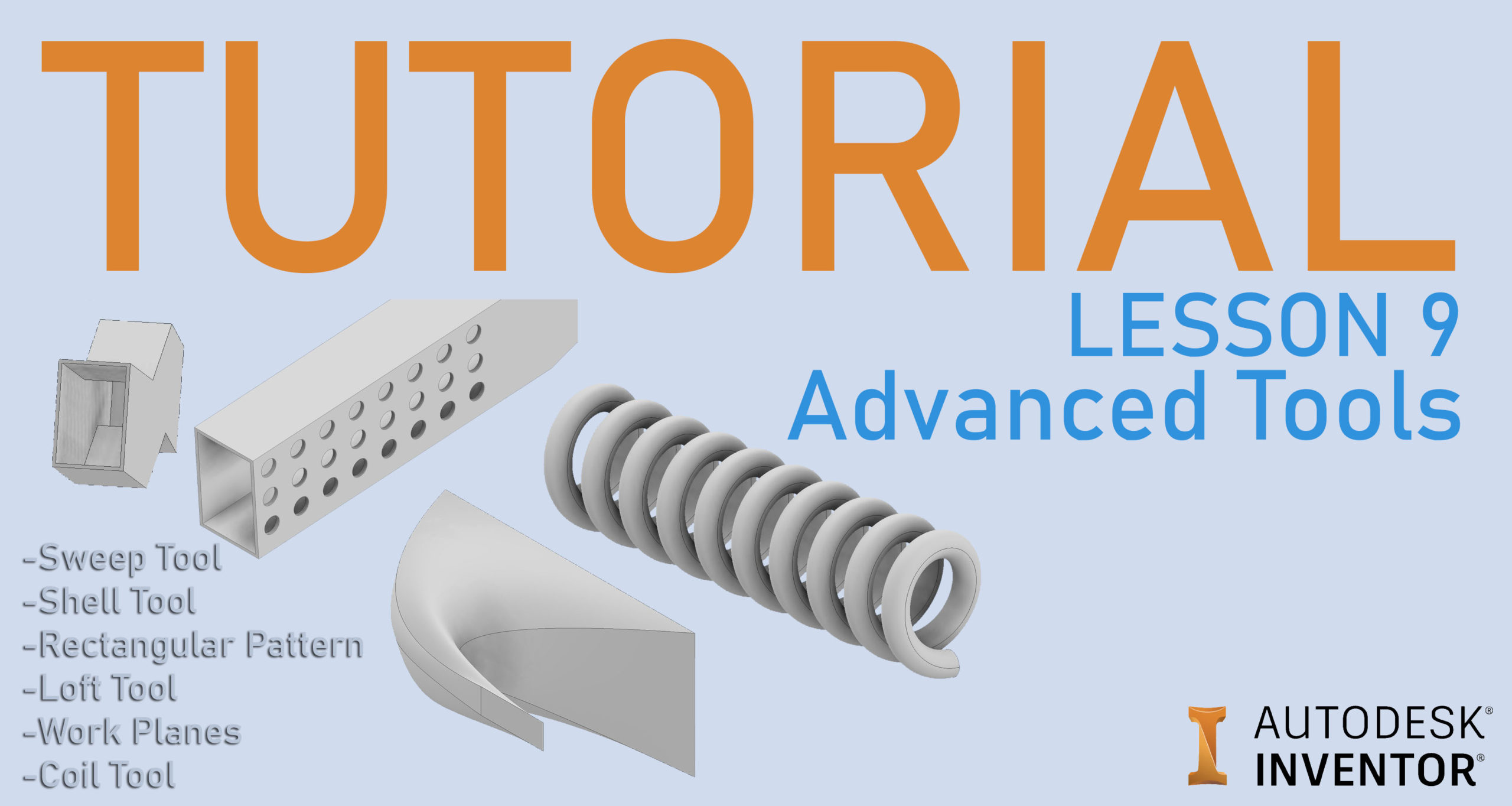
Learn Inventor's Sweep, Shell, Rectangular Pattern, Work Planes, Loft and Coil tools with simple examples, and what to do when Sweep or Loft fails.
Inventor Tips and Tricks
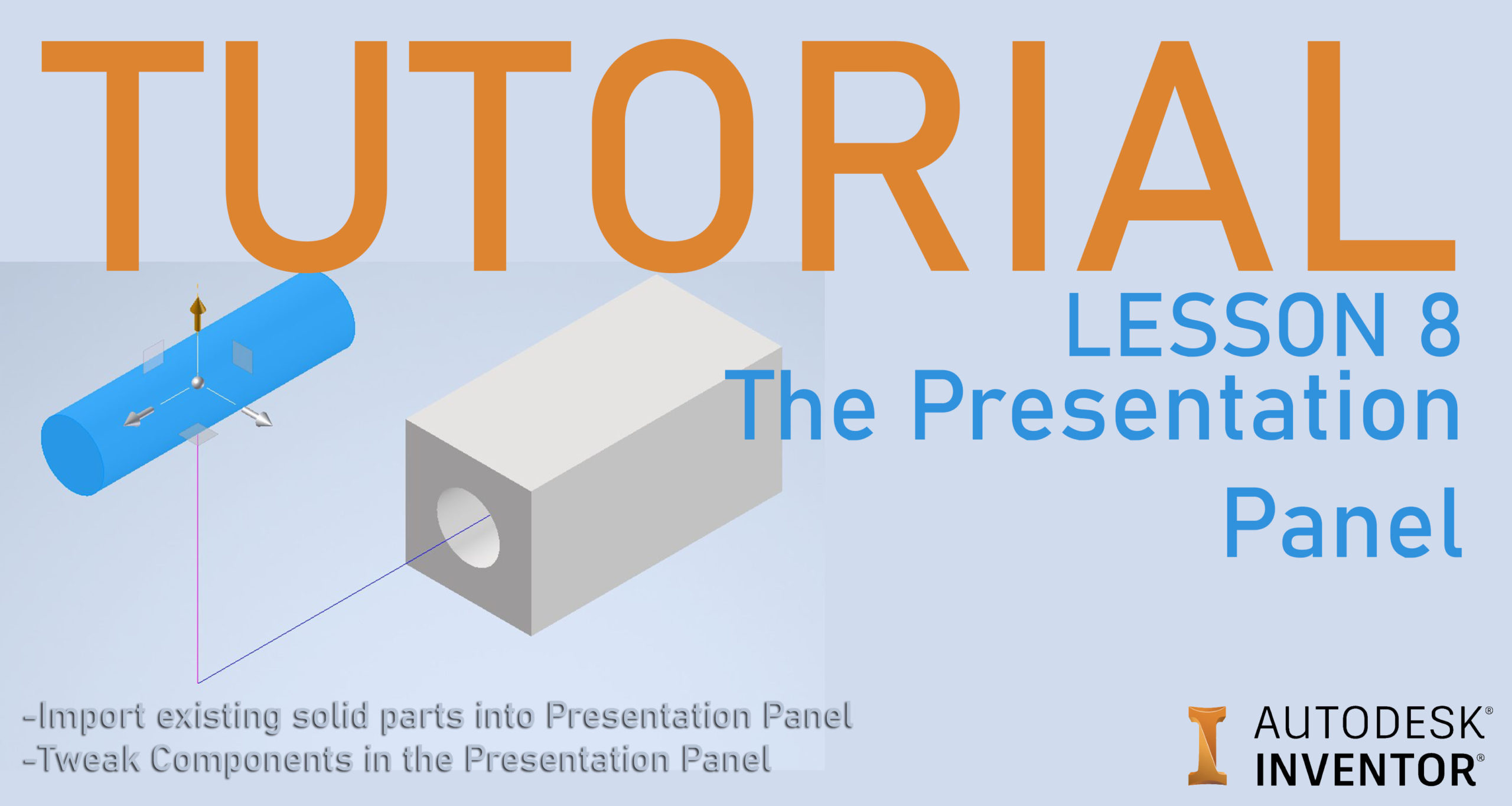
Make an exploded view in Autodesk Inventor: put the assembly in a presentation file, move parts with Tweak Components and animate the explosion.
Inventor Tips and Tricks
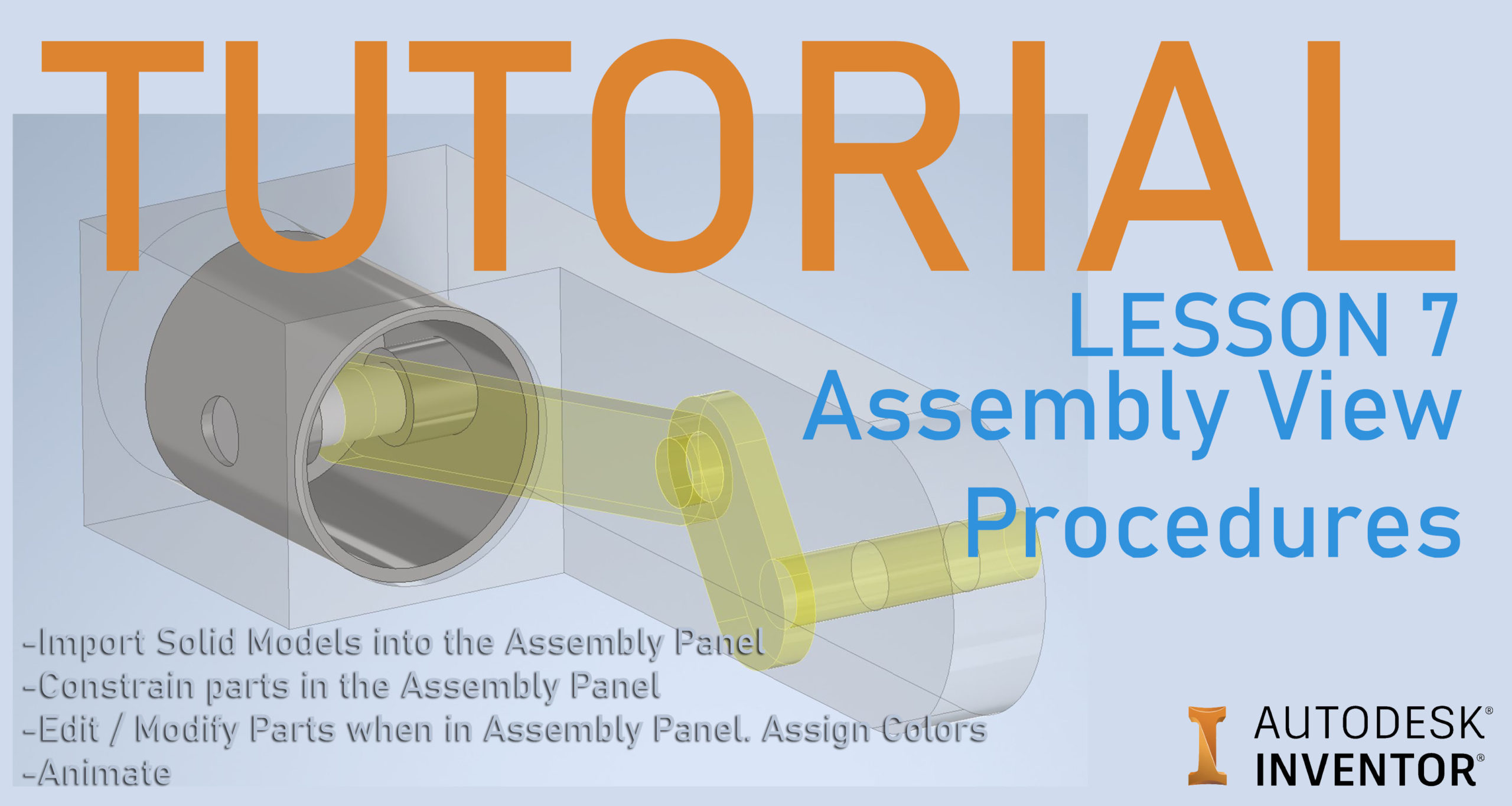
Put parts together in an Inventor assembly: place them, add Mate, Insert and offset constraints, edit parts in place, assign colors and animate.
Inventor Tips and Tricks
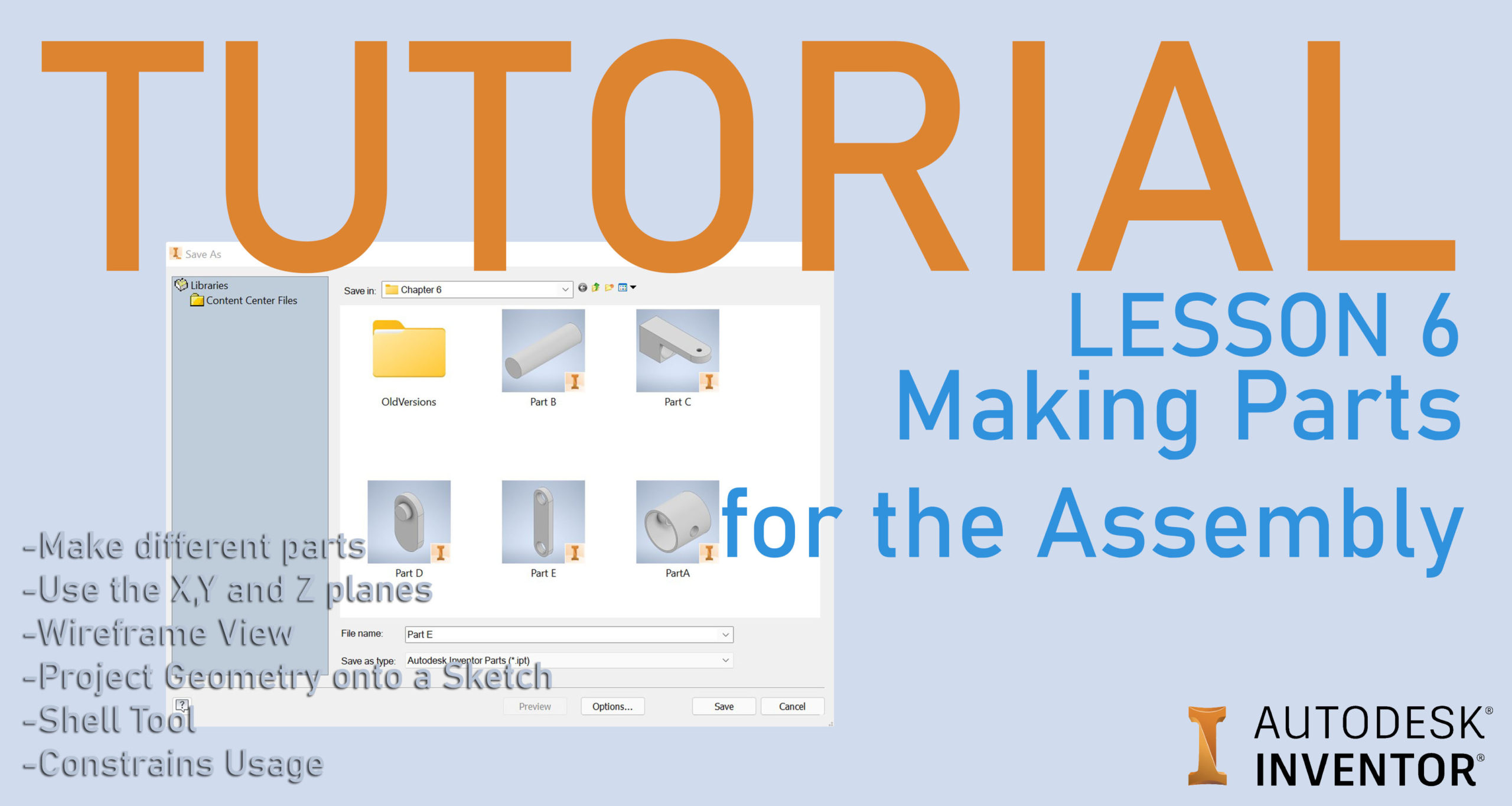
Model five practice parts in Inventor using origin planes, Project Geometry, Shell and sketch constraints, with every constraint icon explained.
Inventor Tips and Tricks
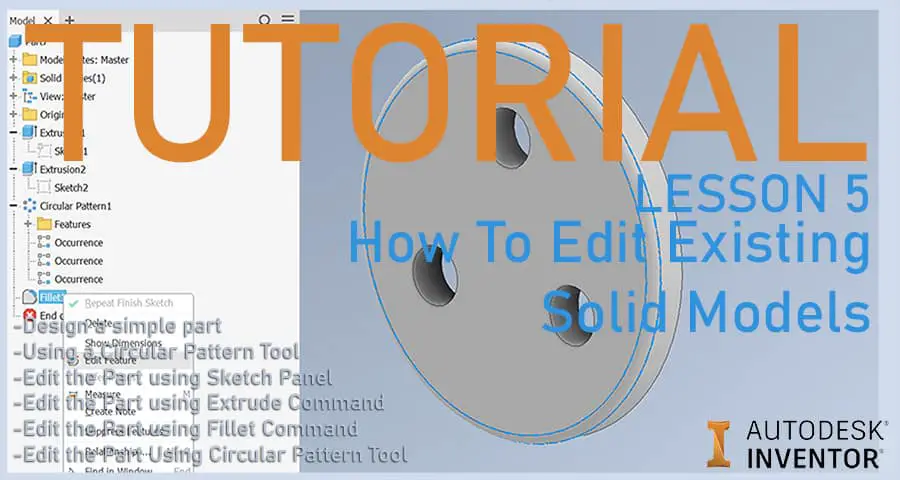
Edit an existing Inventor part without redrawing it: edit the sketch, an extrusion, a fillet and a circular pattern from the model browser.
Inventor Tips and Tricks
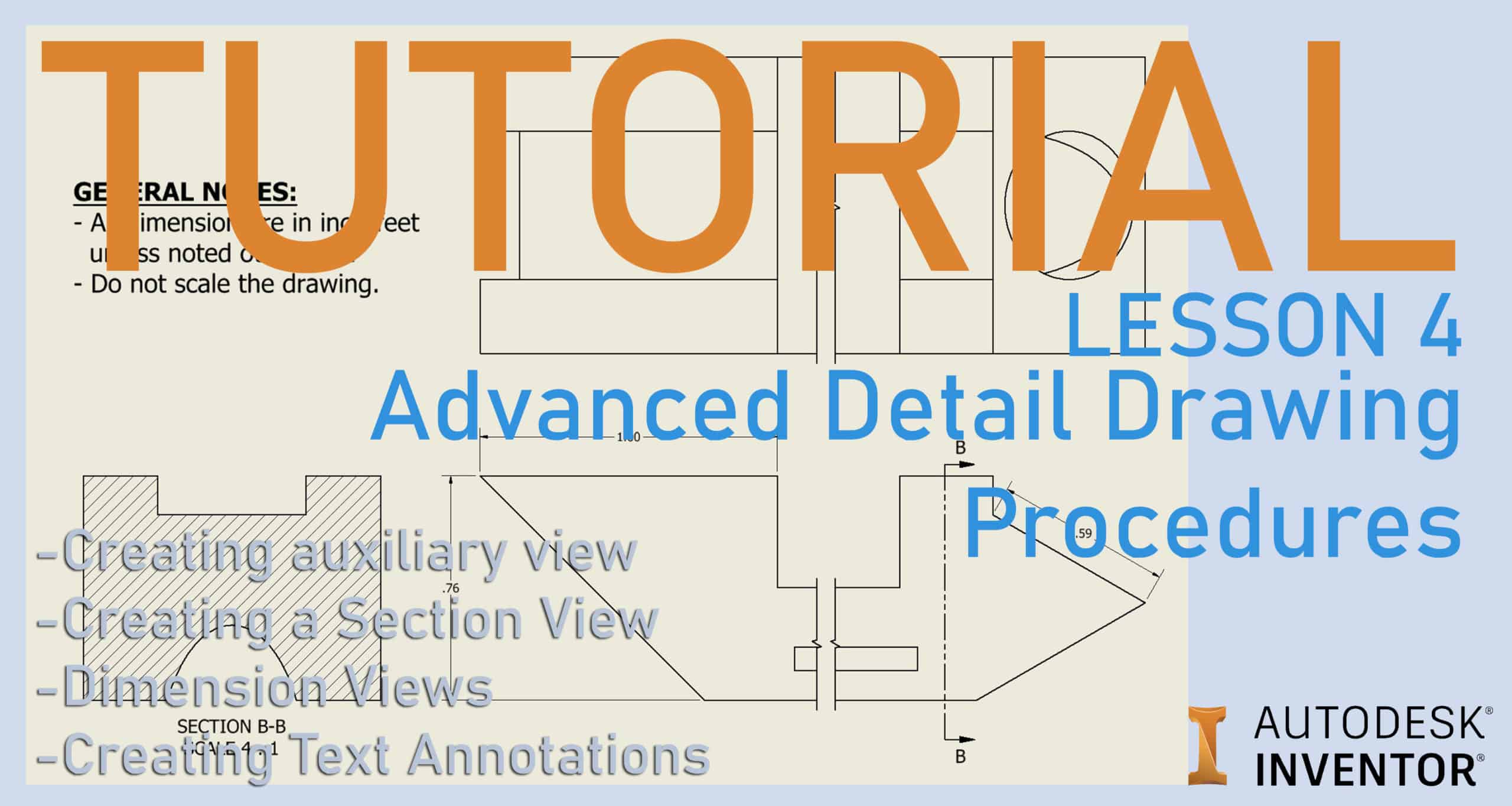
Add auxiliary, section and broken views to an Inventor drawing, then dimension it and add notes. Step by step, with a sample part.
Inventor Tips and Tricks
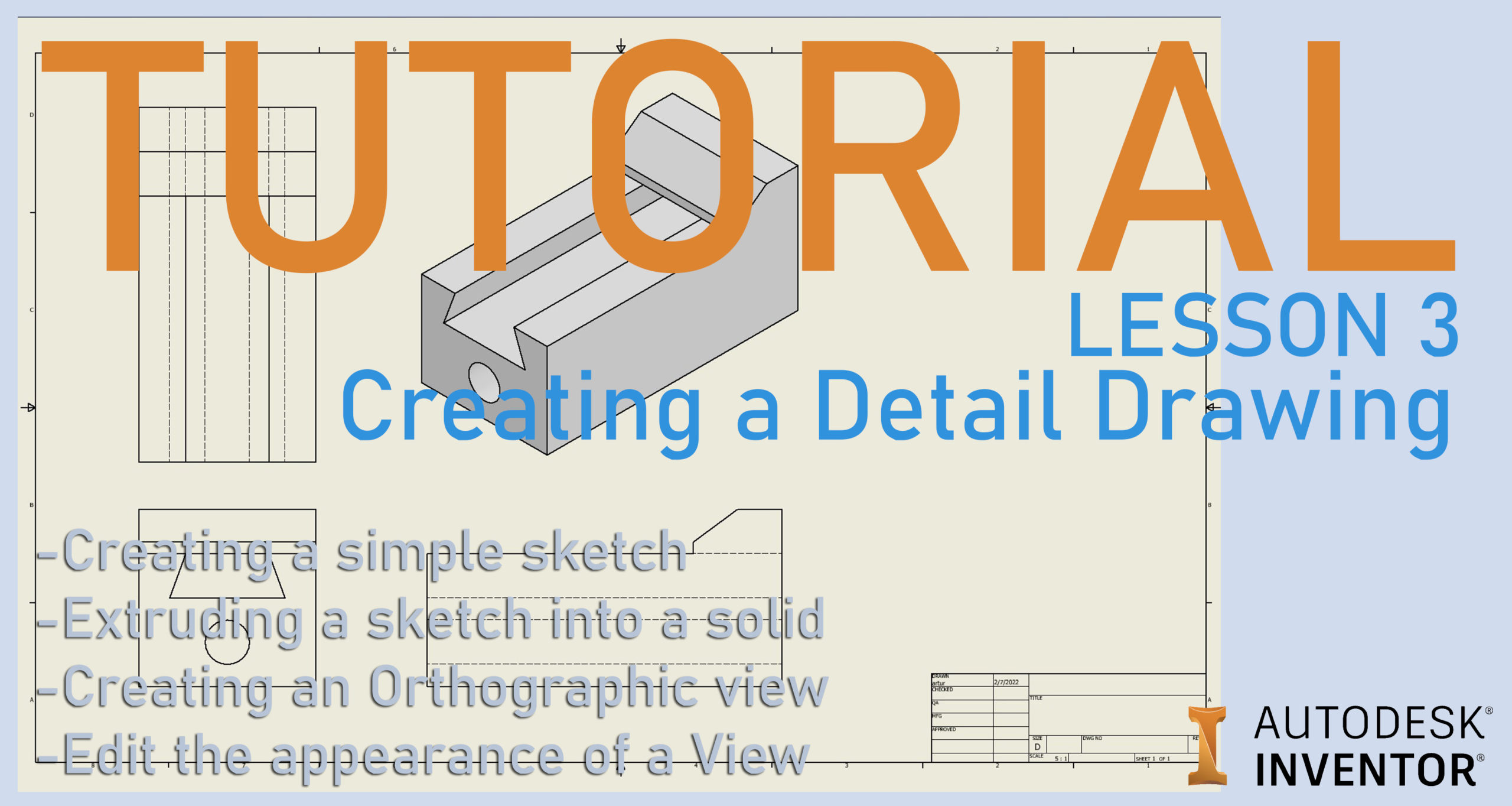
Make a 2D drawing from an Inventor part: start a drawing, place a base view, project the other views, add a shaded view and change how views look.
Inventor Tips and Tricks
Use Revolve in Inventor: sketch a profile and axis, revolve it into a round part, cut a groove with Revolve Cut and repeat a hole in a circular pattern.
Inventor Tips and Tricks
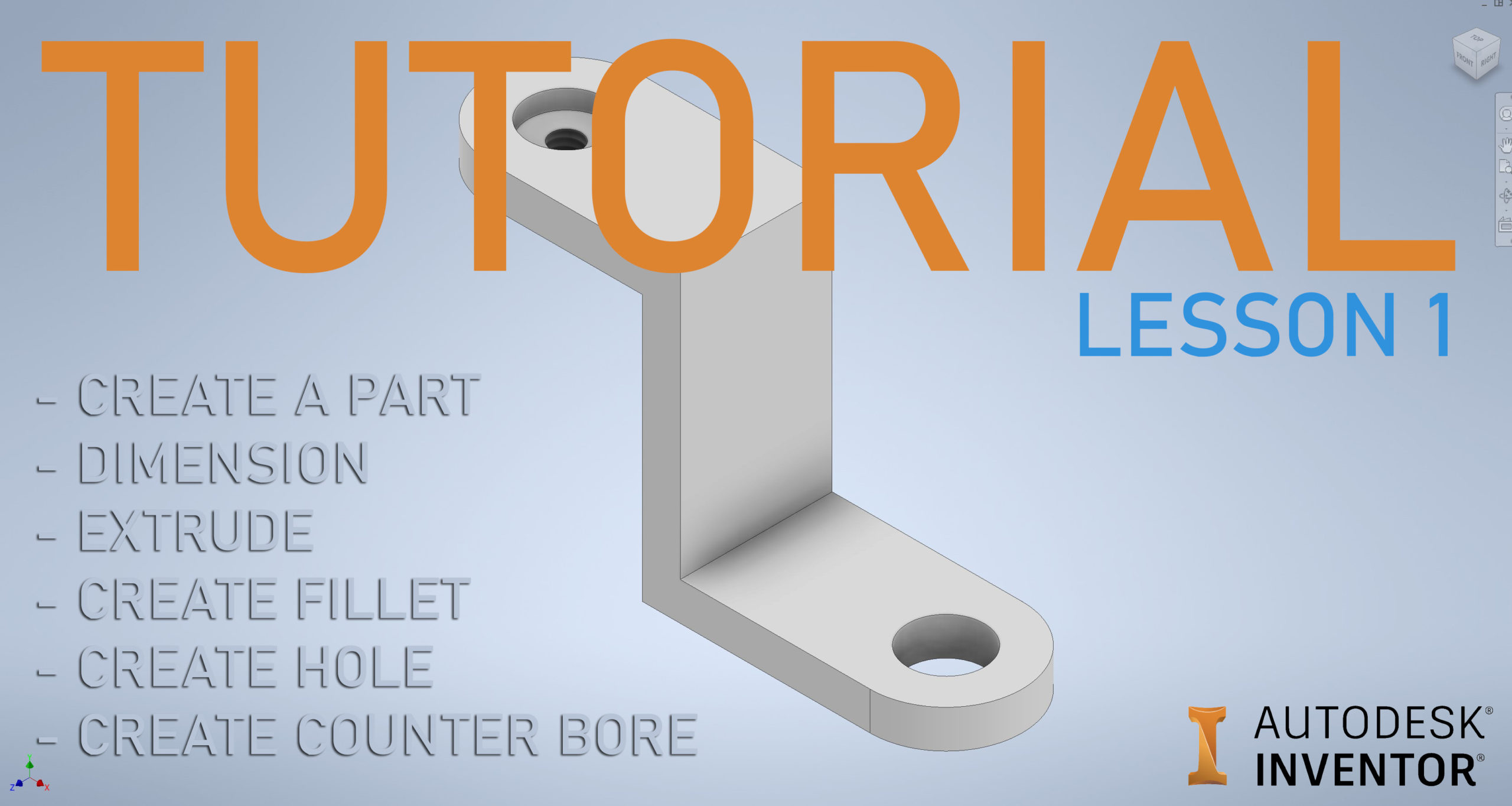
A free Autodesk Inventor tutorial for beginners: sketch, dimension, trim, extrude, fillet and add a plain hole and a counterbore to your first part.
Inventor Tips and Tricks
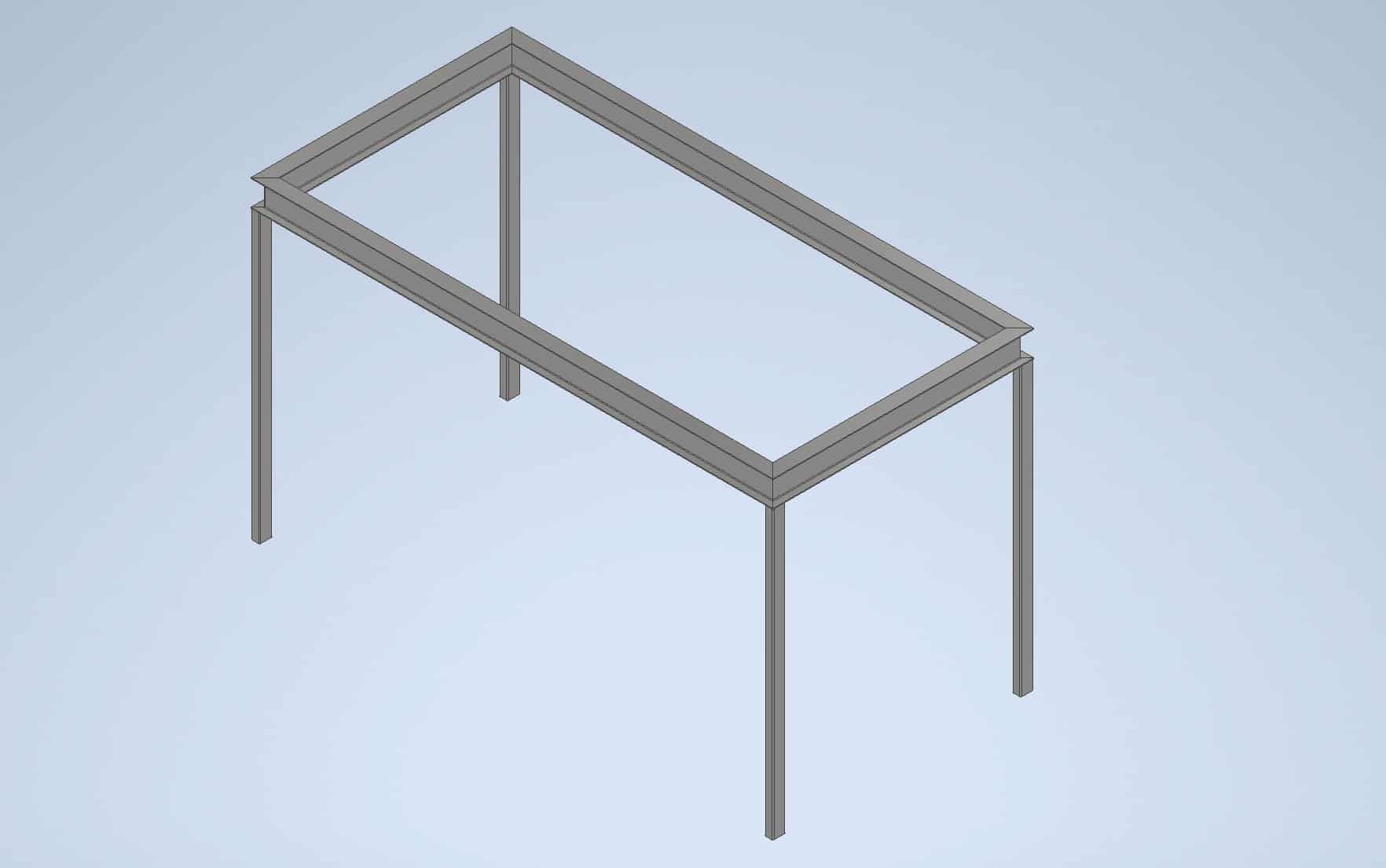
Build a simple steel frame in Autodesk Inventor with Frame Generator: draw a 3D sketch skeleton, insert members on it, then trim and miter the ends.