Advance Steel Tips & Tricks
Portal, Gable and Mono-Pitched Frames in Advance Steel
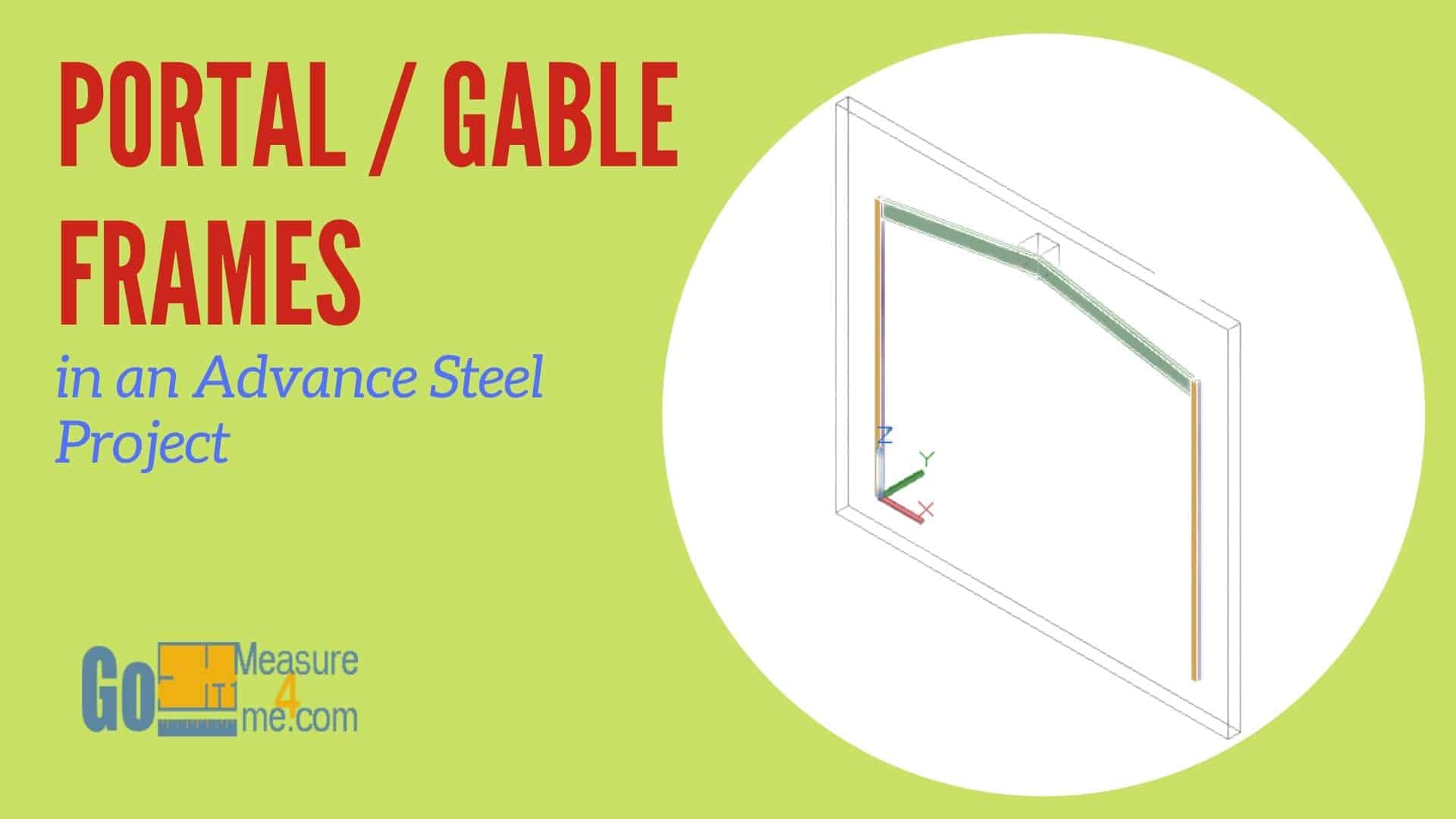
Create portal, gable and mono-pitched frames in Advance Steel: every tab of the frame dialog explained, connecting members and fixing common problems.

Advance Steel Tips & Tricks
Create portal, gable and mono-pitched frames in Advance Steel: every tab of the frame dialog explained, connecting members and fixing common problems.
Advance Steel Tips & Tricks
Find any part or assembly in a big Advance Steel model: open the Model Browser, sort by main or single part, isolate it, and fix what hides it.
Advance Steel Tips & Tricks
Model a simple diamond plate steel stair with channel stringers in Advance Steel using a free template: create the flight, load it, trim and add plates.
Advance Steel Tips & Tricks
Model an open riser steel stair in Advance Steel with a free template: create the flight, load the template, trim the stringers and add the end plates.
3D Software
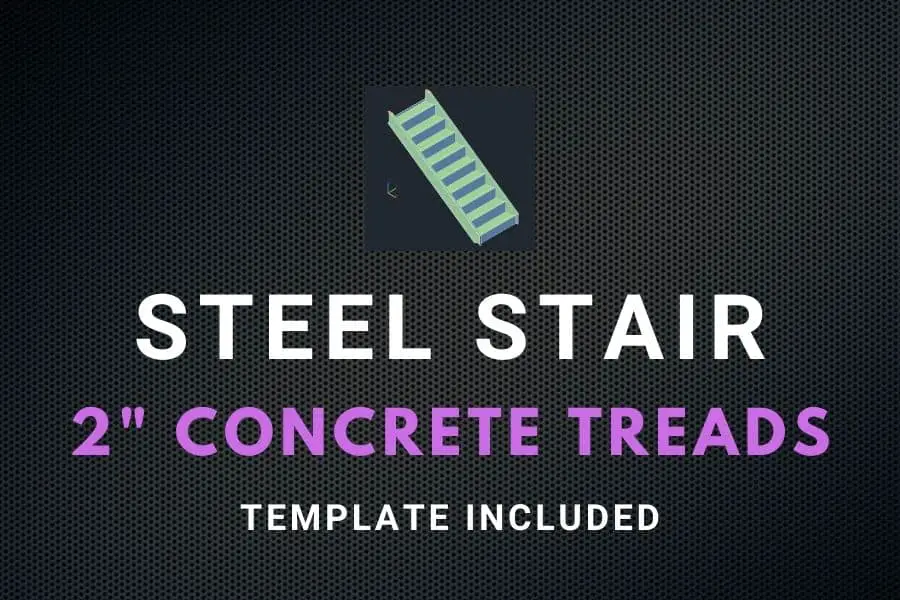
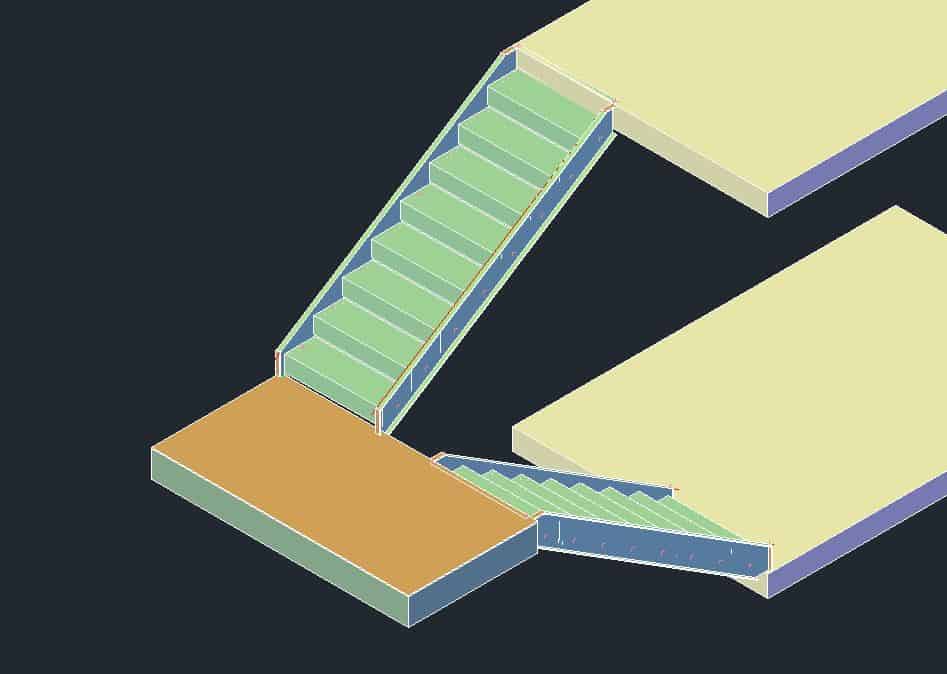
Model a steel pan stair with 2" concrete-filled treads on MC10x8.4 stringers in Advance Steel with a free template: create, load, trim, add plates.
Advance Steel Tips & Tricks
How I model an easy-to-fabricate steel stair with MC10x8.4 channel stringers in Advance Steel: risers, run, landing, cuts and a free template.
Advance Steel Tips & Tricks
Place a concrete beam in Advance Steel from the Home or Objects tab, then set section, position, naming, display, behavior and fitter options.
Advance Steel Tips & Tricks
Model concrete walls in Advance Steel with the Wall tool: place single or multi-segment walls, set height, thickness and material, make polygonal walls.
Advance Steel Tips & Tricks
Use the Advance Steel Model Browser to list every object, sort by part marks, add columns, isolate objects and edit properties for many objects at once.
Advance Steel Tips & Tricks
How to use the Project Explorer in Advance Steel: create model views four ways, give them a camera type, and use queries, groups and workplanes.
Advance Steel Tips & Tricks
Add an enlarged callout detail view to an Advance Steel drawing: where the tool is, how to pick the area, change how it looks and resize it later.
Advance Steel Tips & Tricks
Send Advance Steel drawings to plain AutoCAD users: batch explode them in the Document Manager, find the Details Exploded folder, avoid stale files.